MSA Calendar Redesign Project

CSS
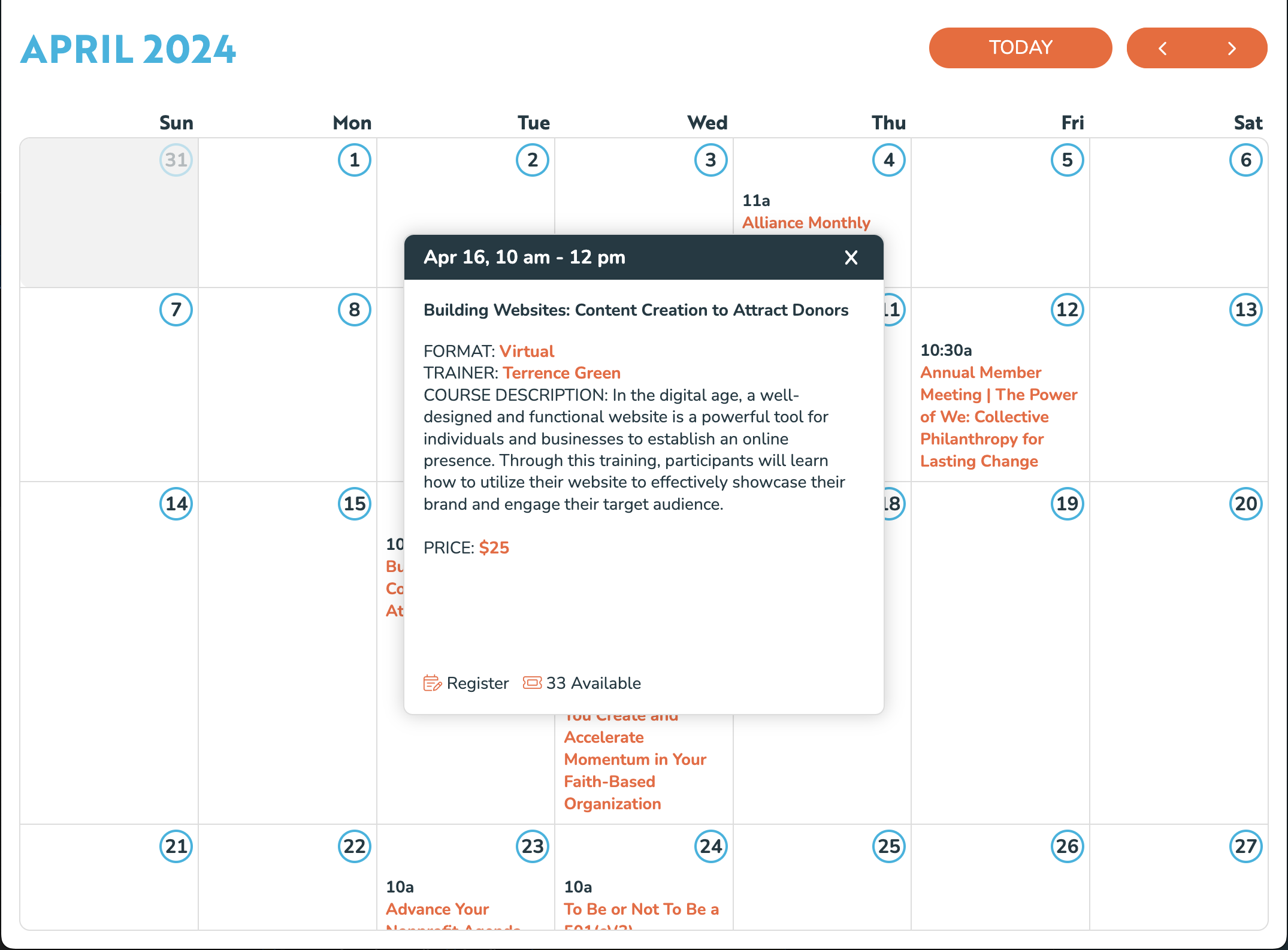
Before
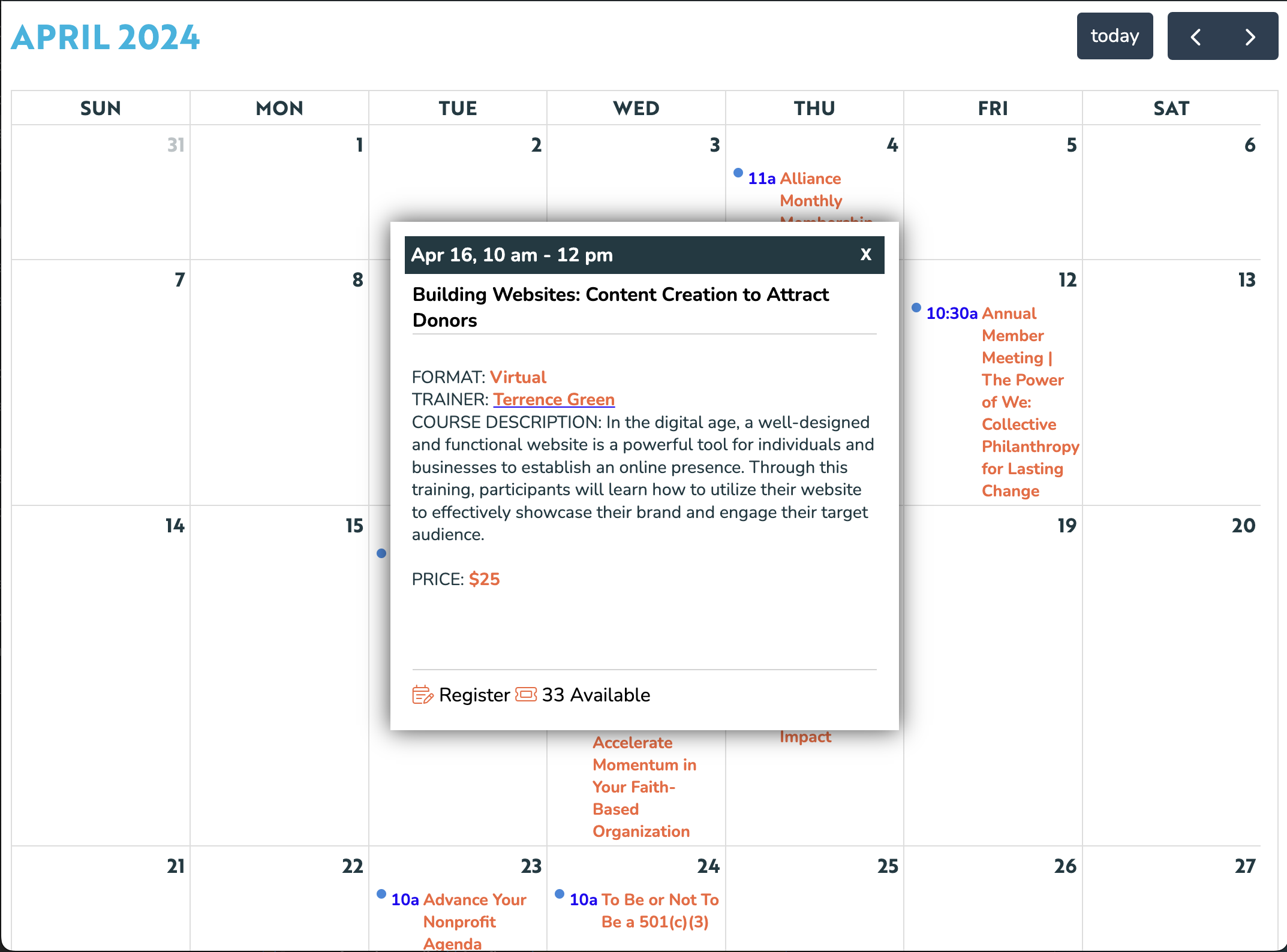
After

Overview

The goal: Modernize the calendar of events and style it according to their design.

The Mississippi Alliance of Nonprofits and Philanthropy implemented a calendar on their website, to make it easier for their members to sign up for their events. The calendar and data was provided from TheDataBank, using the FullCalendar JS library.

I was mostly overriding all the default styles from the FullCalendar plugin, and trying not to use any !important designations in the process. Since there were so many Wordpress plugins and vendors already working on the site, this was a challenge in itself. But I was mostly finding ways to use specificity to override any default styles from the FullCalendar library, but I quickly realized my first major challenge.

Challenges

Challenge 1
Rounding the corners

I started approaching the corners the way I always would: add a border-radius rule to the outermost element. However, when I did this, I noticed that parts of the border, specifically in the corners, were missing. I dug through the layers of elements in the calendar, and found something interesting: in order to avoid doubling up on borders, the FullCalendar library was hiding borders on the top and left of most elements, only showing the bottom and right ones. Then the outermost elements filled in the top and left borders.

I figured this should be something that I can work around, so I set to work on finding the correct combination of elements to apply borders to. After a while of this, and not being able to achieve exactly what I was hoping, I did some digging and came across the outline property. It should look and function just like a border, but it is outside the border, and can be styled independently.

The Solution: I found the outermost elements that were supplying the border, and removed it. Then I added an outline with the exact border style I was looking for. This seemed to work just fine, until I noticed the second challenge.

Challenge 2
Preventing overflow in the corners

Now that I had gotten the border-radius and outline where I wanted it, I noticed that the top-left and bottom-right calendar days were overlapping the rounded corners when you would scroll. It was happening on all 4 corners, but the top-left and bottom-right were visible because of their darkened backgrounds.

Setting an overflow: hidden rule didn't seem to work, no matter which parent element I applied it. There were so many nested layers in the calendar, that I kept trying to see if applying it to different elements would do the trick. But none seemed to work.

The Solution: I did some searching and found the clip-path property, which does exactly what I was looking for, while honoring the border-radius I had set earlier. At first, I applied clip-path: border-box, but that clipped my outline as well. It turned out to be helpful to have so many layers, so I could apply the clip-path rule to the element just inside the outermost element, along with another border-radius rule. This achieve the desired result, preserving the border and border-radius.